The short version. A Google review card is a business-card-sized print with a QR code that opens Google's review form for your business. Use the link Google gives you (Read reviews → Get more reviews), print the code dark on light and at least an inch square, put the card where it leaves with the customer — the bag, the receipt, the door on the way out — and ask everyone. Never a discount for a review, never a tablet at the counter, never only the happy customers.
Why a card, and not a sign
The customer who is going to review you has already paid and gone. A sign on the wall asks them to remember you later and go find you; a card in the bag asks them on the couch that evening, with the link in their hand. That's the entire difference, and it's why a card outperforms a sign, a slide on the TV, and a "review us!" sticker with no code on it.
Google's own guidance is the same in one sentence: "To leave reviews, you can ask customers to visit a Google link or scan a QR code." The card is just the QR code, printed so it goes home.
The link to put on it
Use Google's, not a third party's. From your Business Profile on a computer: Read reviews → Get more reviews, then Copy the link, or right-click the QR code Google shows and Save image as… (Google's help page notes the QR is only generated in a computer browser). If you can't get into the profile, the same form has a public address built from your Place ID — both ways are in how to get your Google review link.
The link opens the real review dialog, empty. That matters: the form must open with no stars chosen and no text written. A card that pre-selects five stars is the kind of thing Google's rating-manipulation rules are written against.
What goes on the card
Less than you think. The layout that works:
- The QR code, the biggest thing on the card, dark on light.
- One line of ask. "Tell people how it went" · "Leave us a Google review" · "Was it good? Say so." Not "Leave us a 5-star review" — asking for a rating you've chosen is asking for the wrong thing.
- Your name, so the card still means something when it's found in a coat pocket in March.
- Nothing else. No offer, no "show this for…", no stars printed as decoration (people think they're a rating), no second QR to your Instagram fighting the first one.
Two-sided is fine: the ask and code on one side, your logo or a short thank-you on the other. (Oh Local prints this card for you, code already at the two floors below — see how Oh Local can help.) Business-card size (3.5 × 2 in in the US; 85 × 55 mm in Europe) is the sweet spot — it fits the bag, the receipt sleeve, the folder at the desk.
Where it works
- In the bag or on the receipt. The best spot, because it leaves.
- At the door on the way out, a small stack where people wait for a card machine or a coat.
- At the desk, handed over with the receipt — a hand-off with three words ("if you've got a sec") beats a pile.
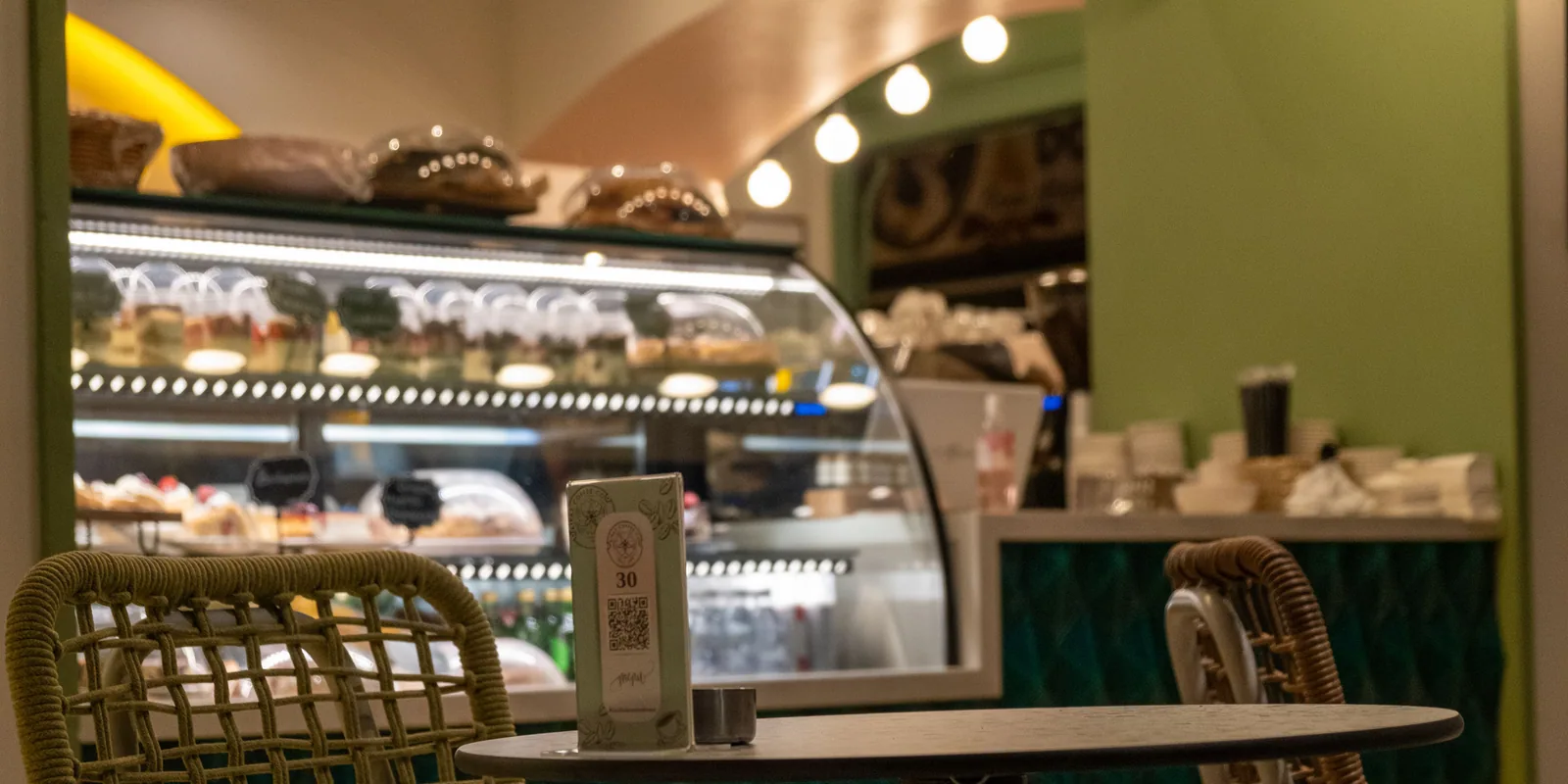
- On the table, standing, for sit-down restaurants and cafés — as long as nobody's watching the customer scan it.
Where it doesn't work, and can cost you the listing: a tablet or "review station" the customer uses while staff stand there. Google's content policy says merchants "should not require or pressure users to leave ratings or write reviews while on the premises." Take-home is the operative word; the card is a suggestion, not a checkpoint.
The two printing floors
Here's what nobody tells you: a QR code that looks perfect on your screen can fail at the counter, and it fails quietly — the customer's phone just doesn't react and they put the card down. Two things decide it, and neither is visible in the mock-up.
Contrast. Dark code on a light background. Brand-coloured codes on tinted card — sage on cream, navy on kraft — scan in the design tool and, in our own tests, decode only about half the time under café lighting. Print black (or your darkest ink) on white or near-white unless you've tested the alternative with three phones in real light. Contrast doesn't fail at a cliff; it eats your margin until a dim room finishes it.
Size. On a business card, the code needs to be about an inch square (25 mm) or larger; the phone camera has to resolve each module from arm's length. On thermal receipt paper — lower resolution, greyer black — go bigger, not smaller. The modules of a long URL are tiny; Google's review link is short, which helps, and a shortened link doesn't buy much once the code is already an inch.
The test: print one, scan it with three different phones from arm's length, in the room where it will live. Then order the five hundred.
What's allowed
The card is allowed. What you put beside it is where businesses get hurt:
- Ask everyone, not the happy ones. Google's policy prohibits businesses that "discourage or prohibit negative reviews, or selectively solicit positive reviews," and the FTC's 2024 rule on consumer reviews treats suppressing negative reviews as a deceptive practice. If you offer a private feedback option, offer it beside the public link, for everyone.
- No incentives. "Offer incentives — such as payment, discounts, free goods and/or services — in exchange for posting any review" is prohibited, in Google's words. No "scan for 10% off." A thank-you card is fine; a thank-you for the review is not.
- No staff quotas. Google names "merchants requesting that staff solicit a certain number of reviews" as a violation. Hand the card to everyone; don't count.
- Yelp is different. Yelp forbids asking for reviews at all. A Google card is fine; a Yelp logo on it is not.
What the card can't do
A card is a door, and it's a good one. It doesn't tell you who walked through it, it doesn't capture an email so you can invite them back, it doesn't offer the unhappy customer a private word before the public one, it doesn't tell you the card in the window has been scanned forty times and the one on the receipt never, and it's static — a new link means a reprint.
For most businesses that's fine for the first year.
How Oh Local helps with this
Oh Local prints the card for you — the code already dark on light and at an inch, your name, nothing else — pointing at a page that does what a plain card can't: every review option, the customer's email captured, a private word for the unhappy one, and a scan count per placement. When a link changes, the page changes and nothing is reprinted. The free audit is the quickest way to see whether your reviews are arriving fast enough for any of it to matter yet.
How it works
- Run the free audit. We read your public Google reviews and replies and send you the numbers: reply rate, the reviews still waiting for an answer, and the oldest of them — with the table on this page to put them beside.
- Claim your page. Pick your listing, and your QR card and short link are ready to print — from your own phone, no onboarding call.
- Get the weekly email. Every new review with its reply drafted, private feedback that came in, and the short list of what to fix on your listing and site.
- Approve, and that’s it. You press approve on the replies you like. The rest — the card, the page, the measuring — runs on its own.
What you get
Your review page
A printed QR card and a short link that open every review option — Google, Tripadvisor, Facebook — capture the customer’s email, and give an unhappy customer a private word first. About four minutes to a printable QR.
Reviews handled
Every new review on your platforms, with the reply drafted in your voice, in one weekly email. Negative ones first. You approve, edit or skip; nothing posts without you.
Local standing
Where you rank around your shop, what competitors are doing, what changed on your listing — with the exact fix for each. Recommendations can lead to better rankings and more visibility; no tool can promise a position, including ours.
| Industry | Audited | Reviews a month (median) | Top quarter |
|---|---|---|---|
| Dallas restaurants | 358 | 9.3 | 17.4+ |
| Dallas dental practices | 85 | 6 | 8.7+ |
| Dallas retail shops | 83 | 0.9 | 3.2+ |
| Dallas tattoo studios | 82 | 2.2 | 8+ |
| Dallas barbershops | 81 | 2.1 | 4.4+ |
| Dallas plastic surgeons | 75 | 1 | 2.7+ |
| Dallas med spas | 74 | 2.9 | 6.7+ |
FAQ
What is a Google review card?
A small printed card — usually business-card size — with a QR code that opens the Google review form for your business, so a customer can leave a review from their phone after they've left. Google provides the link and the QR code from your Business Profile under Read reviews → Get more reviews.
Can I make a Google review card for free?
Yes. The link and QR code come free from your Business Profile, and any layout tool can place it on a card. The only cost is printing. Google's QR code is generated in a computer browser, not on a phone.
Can I offer a discount for scanning my review card?
No. Google's content policy prohibits offering "payment, discounts, free goods and/or services" in exchange for a review, and the FTC's 2024 rule carries civil penalties for it. Ask plainly, offer nothing for the review itself.
Is it OK to put the review card at the register?
Yes — as a take-home, handed over or left in a stack. What Google's policy names as a violation is requiring or pressuring customers to leave reviews while on the premises, which is the review kiosk or the tablet handed across the counter. A card they scan later is fine.
How big does the QR code need to be?
About an inch square on a business card, bigger on receipt paper, and dark on a light background. Test a printed sample with a few different phones at arm's length before ordering a batch — a code that scans on screen can fail in a dim room.